Skip to content

Teaching & Learning Resources (ET+I)

College for Creative Studies

  • Homepage
  • >
  • Students

Category: Students

How Do I Set Up My CCS Cargo Account?

CCS has free access to set up a portfolio site on Cargo. To make your site public, you will require a promo code obtained by reaching out to the PM or Chair of your department.… Read the rest “How Do I Set Up My CCS Cargo Account?”

Author Sean EvansPosted on October 28, 2022September 11, 2024Categories Faculty, StudentsTags Student

How do I update my CCS Google Profile?

First, log in to your CCS account at mail.collegeforcreativestudies.edu
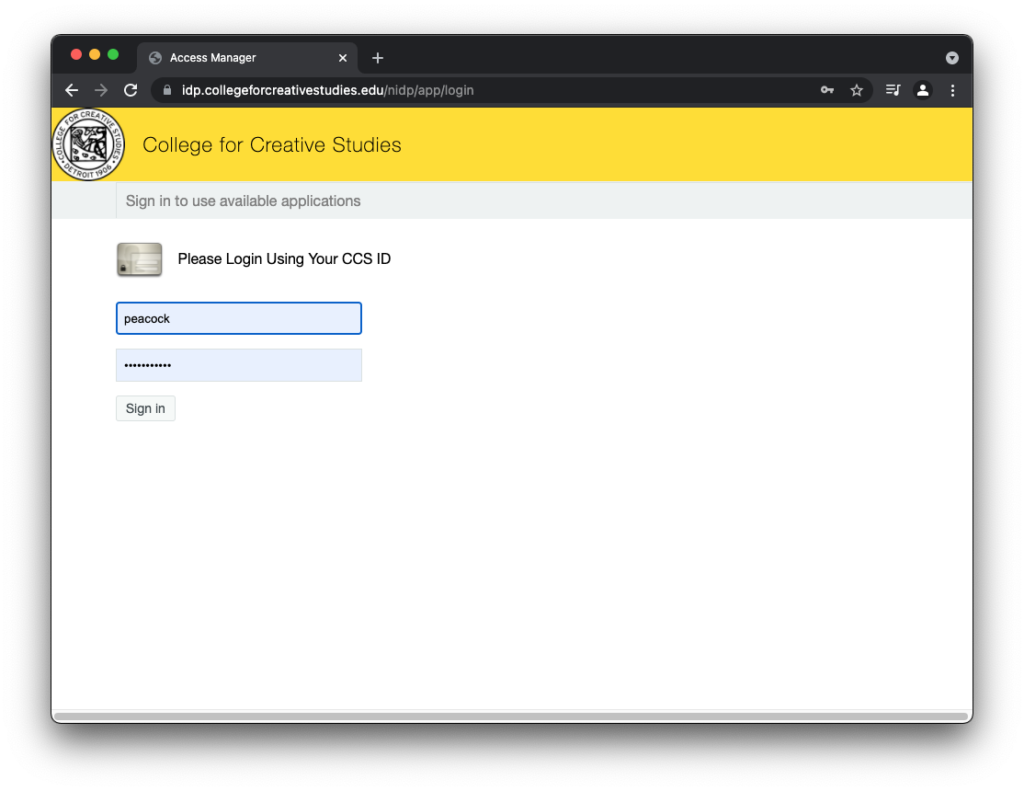
mail.collegeforcreativestudies.edu on Chrome

Once you are logged in, visit your CCS email account.… Read the rest “How do I update my CCS Google Profile?”

Author Sean EvansPosted on September 28, 2021September 28, 2021Categories Faculty, Google, Google Drive, Students, Uncategorized

How Do I Change My Name On Canvas?

Currently, name changes will update the day after the appropriate office makes the change.

Students

Students need to fill out the chosen name form and submit to AARO.… Read the rest “How Do I Change My Name On Canvas?”

Author ccswpadminPosted on September 13, 2021September 13, 2021Categories Canvas, Faculty, Students

How Do I Request Remote Control Using Zoom

he remote control feature allows you to take control of another participant’s screen in a meeting.… Read the rest “How Do I Request Remote Control Using Zoom”

Author ccswpadminPosted on December 8, 2020December 8, 2020Categories Faculty, Students, Zoom

Please use the search below to find help topics.  You can also use the FAQ navigation to jump to a collection of specific topics or items for a specific audience.

Categories

  • Applications & Software (3)
  • Assignments & Grading (2)
  • Audience (0)
  • Canvas (9)
  • Canvas 101 (1)
  • Canvas How-Tos (7)
  • Faculty (19)
  • Google (1)
  • Google Drive (1)
  • Integrating Other Tools (1)
  • Students (4)
  • Topics (0)
  • Uncategorized (6)
  • YouTube (1)
  • Zoom (11)

Items by Category

  • Regular and Substantive Interaction Guidelines
  • Getting Started
  • Organizing Your Content
  • Integrating Other Tools
  • Q&A Sessions
  • Applications & Software
    • Canvas
    • Google Drive
    • YouTube
    • Zoom
  • Audience
    • Faculty
    • Students
  • Topics
    • Assignments & Grading
  • In the Classroom
Teaching & Learning Resources (ET+I) College for Creative Studies  / CCS Privacy Notice