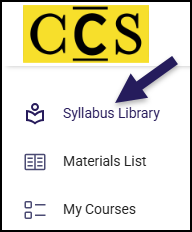
All users can log in and search the Simple Syllabus library.
Start by logging in to Simple Syllabus.
Once logged in, find and click the Syllabus Library icon in the menu to the left.
Note: Depending on your role at CCS (student, faculty, staff), your menu may not look exactly like what is shown below.
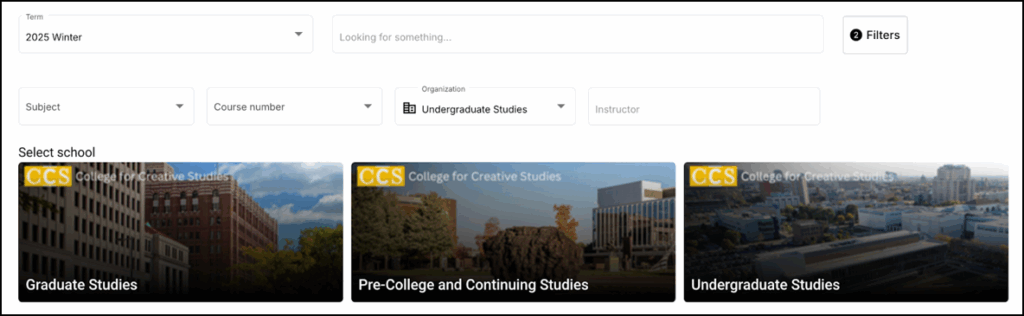
Click the image for the category of syllabi you would like to view: Graduate Studies, Pre-College and Continuing Studies, or Undergraduate Studies.
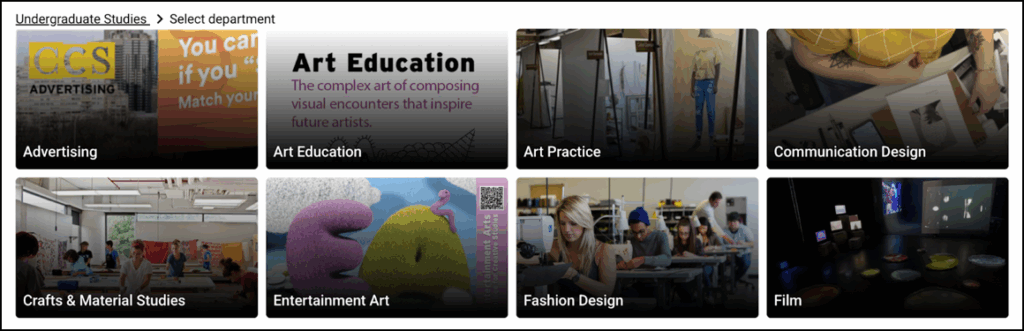
Click the image for the desired Department.
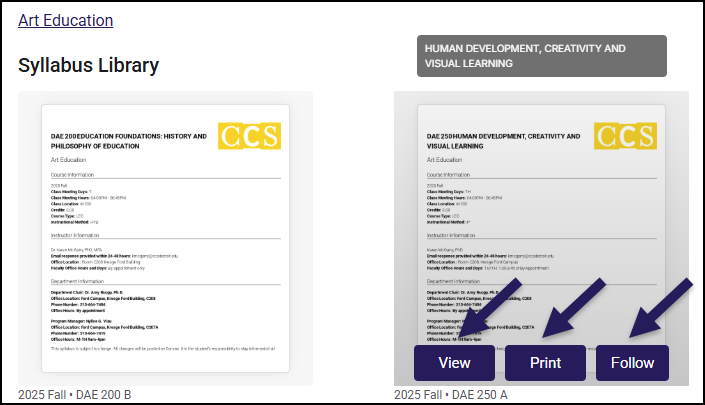
By default, you will be shown a list of all syllabi for the current semester in that department.
You can use the Term filter along the top of the page to select which term(s) to view. Users can view Future, Current, or Historic course syllabi.
Hover over any syllabus to View, Print, or Follow (receive email notices any time the document is updated).